

 Image 1 of 5
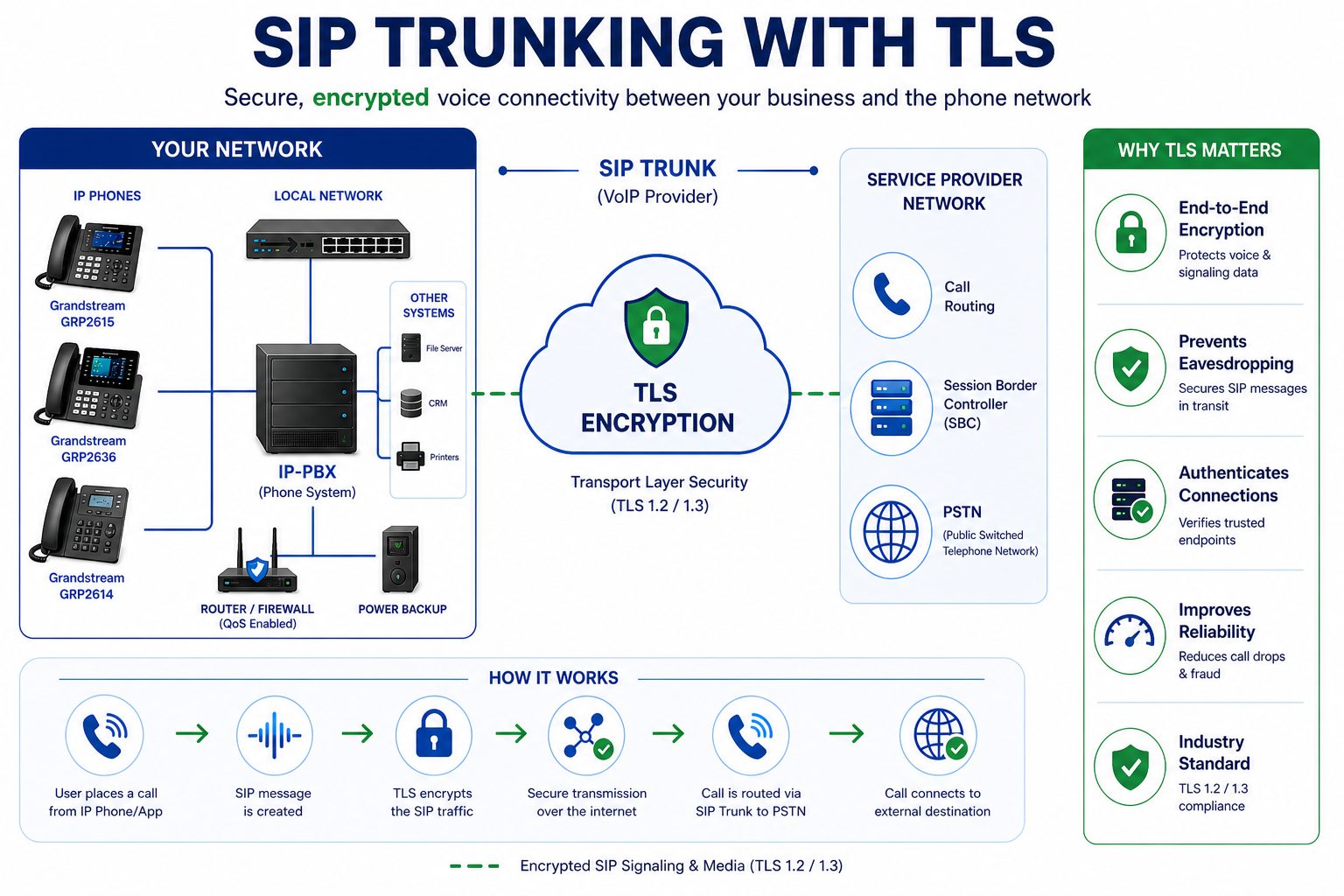 Image 2 of 5
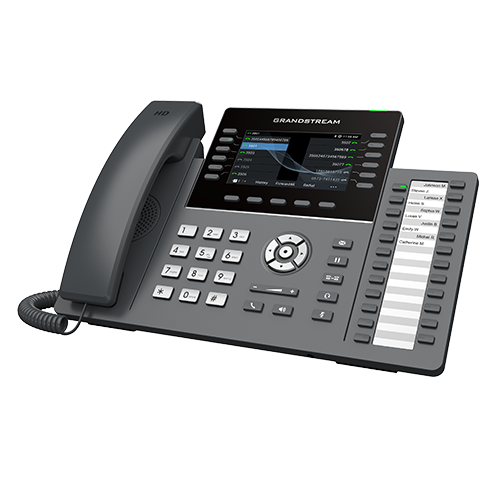 Image 3 of 5
 Image 4 of 5
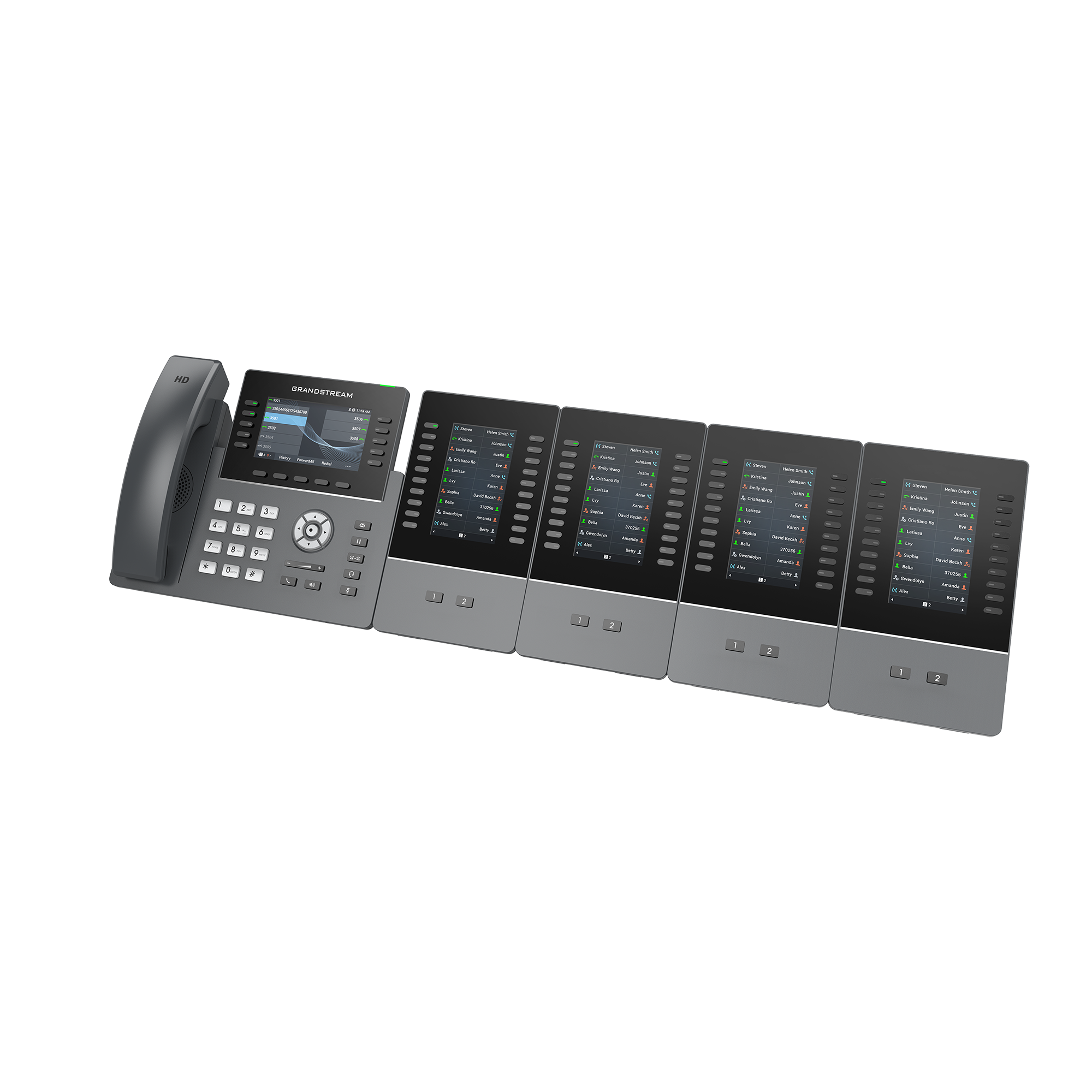 Image 5 of 5
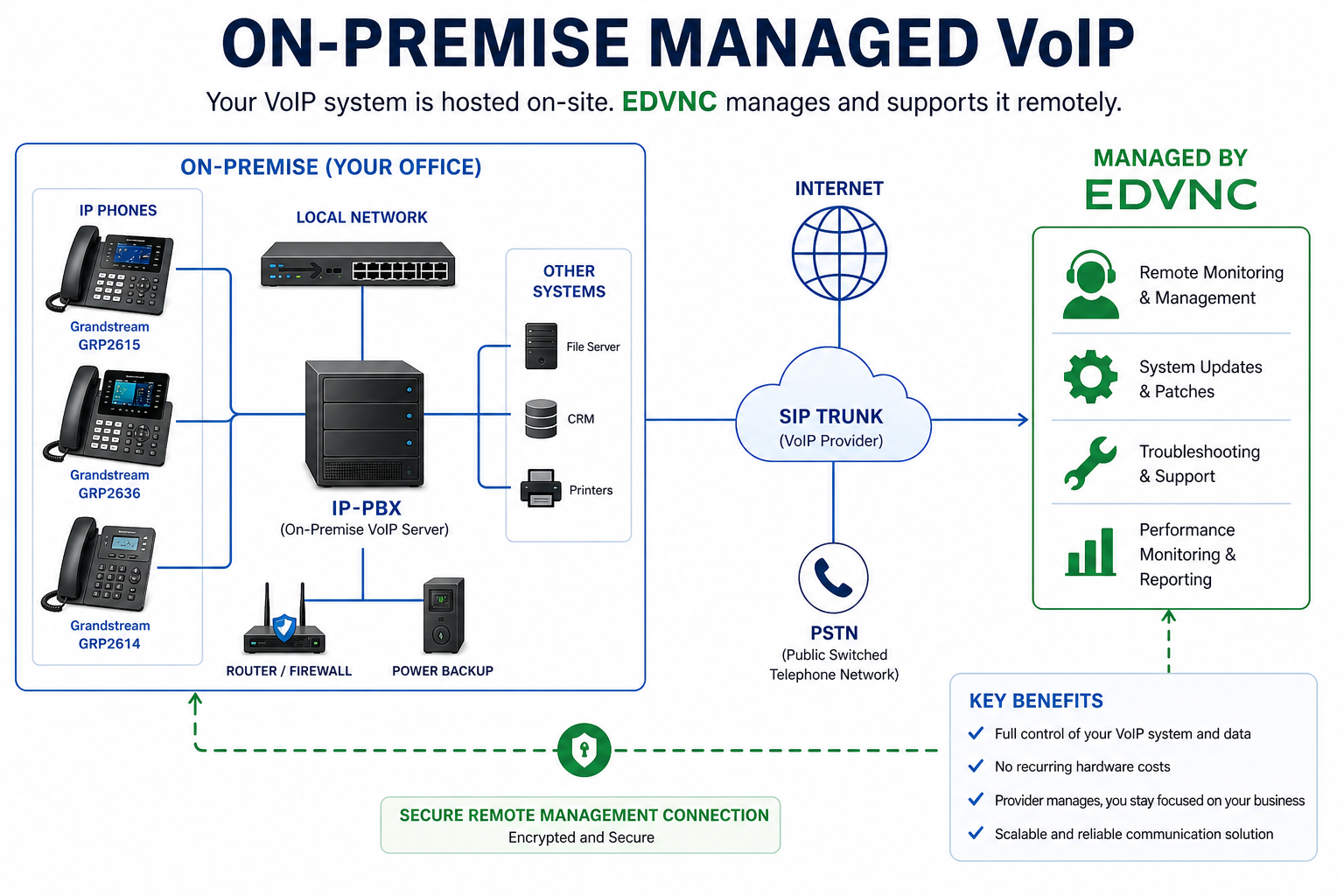
On-premise managed VoIP is a hybrid approach to business phone systems—combining the control of an on-site system with the convenience of outsourced management.
Here’s the idea in plain terms:
On-premise VoIP: Your phone system hardware (like a PBX server) is physically installed at your office.
Managed: EDVNC remotely maintains, monitors, and supports that system for you.
You have a VoIP server (often an IP-PBX) installed at your location.
Your phones connect over your internal network (LAN).
Calls go out over the internet (SIP trunks).
EDVNC handles:
Updates and patches
Monitoring and uptime
Troubleshooting
Configuration (Adds, Moves, and Changes)
IP-PBX (e.g., FreePBX or Grandstream)
SIP trunk provider (connects you to the public phone network)
VoIP phones or softphones
Reliable internet connection and SIP trunk service
On-site network (routers, switches, QoS setup)
More control over your system and data
Can be customized deeply
Often better for compliance or security-sensitive environments
Works even if external cloud services go down (depending on setup)
Higher upfront cost (hardware + setup)
Requires space and power onsite
Still depends on vendor for management (less DIY flexibility)
Scaling can be slower than cloud systems
You have strict data/security requirements
You want local control but not the burden of full IT management
You already have network infrastructure in place
You need custom integrations (CRM, call routing, etc.)
Type Hosted VoIP On-Prem Managed VoIP
Hardware location Cloud Your office
Maintenance EDVNC EDVNC (remote)
Control Limited High
Setup cost Low Higher
Flexibility Moderate High
On-premise managed VoIP is a hybrid approach to business phone systems—combining the control of an on-site system with the convenience of outsourced management.
Here’s the idea in plain terms:
On-premise VoIP: Your phone system hardware (like a PBX server) is physically installed at your office.
Managed: EDVNC remotely maintains, monitors, and supports that system for you.
You have a VoIP server (often an IP-PBX) installed at your location.
Your phones connect over your internal network (LAN).
Calls go out over the internet (SIP trunks).
EDVNC handles:
Updates and patches
Monitoring and uptime
Troubleshooting
Configuration (Adds, Moves, and Changes)
IP-PBX (e.g., FreePBX or Grandstream)
SIP trunk provider (connects you to the public phone network)
VoIP phones or softphones
Reliable internet connection and SIP trunk service
On-site network (routers, switches, QoS setup)
More control over your system and data
Can be customized deeply
Often better for compliance or security-sensitive environments
Works even if external cloud services go down (depending on setup)
Higher upfront cost (hardware + setup)
Requires space and power onsite
Still depends on vendor for management (less DIY flexibility)
Scaling can be slower than cloud systems
You have strict data/security requirements
You want local control but not the burden of full IT management
You already have network infrastructure in place
You need custom integrations (CRM, call routing, etc.)
Type Hosted VoIP On-Prem Managed VoIP
Hardware location Cloud Your office
Maintenance EDVNC EDVNC (remote)
Control Limited High
Setup cost Low Higher
Flexibility Moderate High